Atticus vs Vellum: Which Is the Better
Formatting Tool?
Atticus and Vellum are the two most-compared book formatting tools in indie publishing. Vellum set the standard with beautiful output and an elegant Mac-only interface. Atticus answered with cross-platform support and a lower price, making professional formatting accessible to Windows and Chromebook users.
Both tools handle formatting and export. Neither offers AI writing or cover design. That's the important context for this comparison: you're choosing between two tools that handle one step of the book creation process.
The real question might not be "Atticus or Vellum?" It might be whether you need a formatting tool at all, or a complete creation pipeline that includes formatting. We'll cover the head-to-head comparison and then show where Authorio fits for authors who want more.























How They Compare
Vellum
The gold standard in book formatting. Mac-only, one-time purchase. Beautiful output but no writing, AI, or cover design.
Authorio
Full PipelineAI book creation studio — outline, write, design covers, format, and export. One tool, one pipeline, one place. From blank page to published book in days, not months.
Feature by Feature
Authorio
Vellum
One Studio. Three Superpowers.
Write, edit, and design — all in one continuous workflow. No tool switching. No lost context.

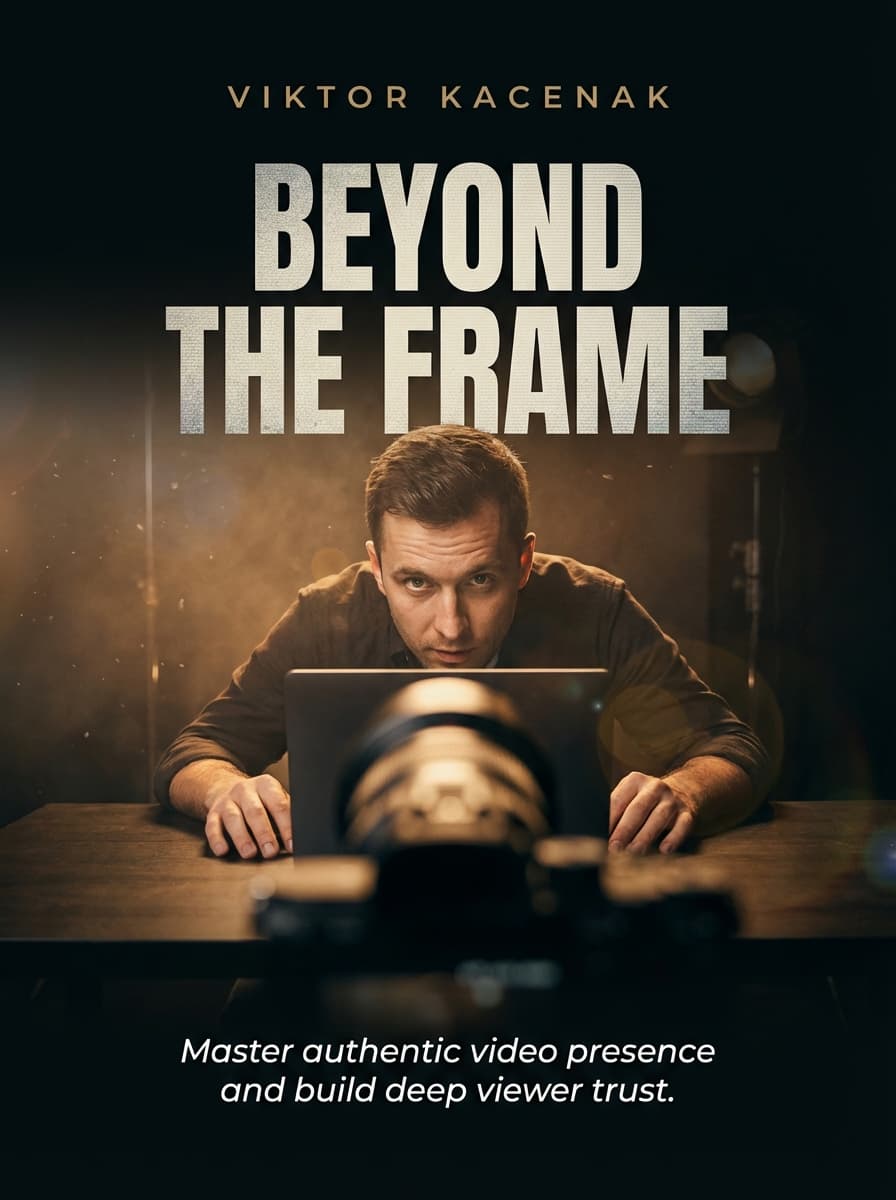
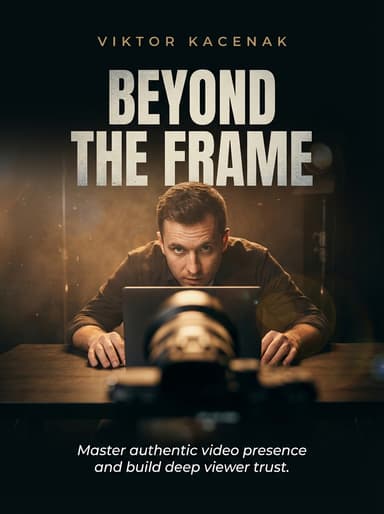
The red recording light blinks on. In that instant, the person you were moments ago vanishes. Your throat tightens, your hands forget where to rest, and a voice in the back of your mind starts whispering that you're about to embarrass yourself. This is the moment that separates those who create from those who only dream about it — the threshold between intention and action that every content creator must cross.
If this sounds familiar, you're not alone. Camera anxiety affects the vast majority of new creators, and even seasoned professionals admit that the inner critic never fully disappears. It simply learns to speak more quietly as you build the mental frameworks to override its warnings and trust your preparation instead of your fear.
But here's what the most magnetic on-screen personalities understand: confidence on camera isn't the absence of fear. It's a practiced skill, a muscle you build through deliberate repetition and self-awareness. The journey from anxious beginner to natural presenter follows a predictable arc that anyone can accelerate with the right approach and consistent practice.
Your body speaks before you do. Every gesture, posture shift, and micro-expression tells your audience a story about who you are and whether they should keep watching. The camera amplifies everything — a slight slouch becomes visible disengagement.
Start by finding your anchor position — the natural resting state your body returns to between gestures. For most people, this means shoulders back, chin slightly lifted, hands resting comfortably at waist height.
The red recording light blinks on. In that instant, the person you were moments ago vanishes. Your throat tightens, your hands forget where to rest, and a voice in the back of your mind starts whispering that you're about to embarrass yourself. This is the moment that separates those who create from those who only dream about it.
If this sounds familiar, you're not alone. Camera anxiety affects the vast majority of new creators, and even seasoned professionals admit that the inner critic never fully disappears. It simply learns to speak more quietly as you build the mental frameworks to override its warnings.
But here's what the most magnetic on-screen personalities understand: confidence on camera isn't the absence of fear. It's a practiced skill, a muscle you build through deliberate repetition and self-awareness. The journey from anxious beginner to natural presenter follows a predictable arc.
Research in cognitive psychology tells us that audiences form their impression within three seconds of seeing you on screen. That's less time than it takes to clear your throat. In those three seconds, your posture, eye contact, and vocal energy have already told a story.
The red recording light blinks on. In that instant, the person you were moments ago vanishes. Your throat tightens, your hands forget where to rest, and a voice whispers that you're about to embarrass yourself.
If this sounds familiar, you are not alone. Camera anxiety affects the vast majority of new creators, and even seasoned professionals admit that the inner critic never fully disappears.
But here is what the most magnetic on-screen personalities understand: confidence on camera is not the absence of fear. It is a practiced skill, a muscle you build through deliberate repetition.
In the chapters ahead, we will dismantle the myths that keep aspiring creators frozen in place and replace them with a concrete, science-backed framework you can begin using today.
The prefrontal cortex gets flooded by signals from the amygdala — the brain's threat detection center. Your body cannot distinguish between a camera lens and a thousand staring eyes.
This is why the physical symptoms feel overwhelming. Your mouth goes dry, your hands tremble, your voice cracks. Every single response is your body doing exactly what evolution designed it to do.
Dr. Marcos describes camera anxiety as a spectrum rather than a binary state. The goal is not to eliminate anxiety but to move yourself into the productive tension zone.
Research tells us audiences form their impression within three seconds. Your posture, eye contact, and vocal energy have already told a story before you speak a single word.
Stand in front of your camera every morning and record a thirty-second greeting. The goal is to normalize seeing that recording light and responding with calm presence rather than panic.
Professional anchors use the countdown method. Three seconds before going live, they take one deep breath, soften their facial muscles, and think of a single anchor word — steady, warm, or open.
This works because of embodied cognition: your physical state directly influences your mental state. Relax your shoulders, and your brain interprets these signals as safety cues.
Your body speaks before you do. Every gesture, posture shift, and micro-expression tells your audience a story about who you are and whether they should keep watching.
Studies in nonverbal communication show that body language accounts for up to fifty-five percent of the emotional impact of any message. Your words might be perfect, but if your body sends conflicting signals, audiences trust what they see.
Physical presence can be trained through small, deliberate adjustments to your posture and movement patterns over just a few weeks of dedicated practice.
Start by finding your anchor position — the natural resting state your body returns to between gestures. Shoulders back but not rigid, chin slightly lifted, hands at waist height.
Practice this position daily in front of a mirror for two minutes each morning. Notice where tension creeps in and gently release those areas back to neutral.
The screen creates a paradox. It connects you to thousands yet separates you from every single one of them. Learning to bridge that gap is the most important skill a modern creator can develop.
Conversational intimacy starts with treating the lens like a person you trust. When you look at the camera, imagine speaking to one specific person who genuinely needs to hear what you have to say.
The most successful creators share one common trait: they make each viewer feel like the only person in the room. This is a genuine orientation toward service, not a performance trick.
The screen is not a wall — it is a window. Your audience can see you, and more importantly, they can feel your energy through the digital medium.
Parasocial intimacy does not require revealing your deepest secrets. It requires consistent presence, genuine interest, and the courage to show up as yourself.
Your signature style emerges from the intersection of who you are and who you choose to be on screen. It is the thread that connects every piece of content you create.
Think of your on-screen persona as a volume dial, not a mask. You are still you — just at a slightly higher amplitude so the nuances of your personality survive the compression of digital media.
The journey from nervous beginner to confident creator is not a straight line. It is a spiral — each revolution bringing you closer to your authentic on-screen self.
Look back at where you started. Remember the racing heart, the stumbling words. Now your body knows its anchor position. Your voice has found its natural rhythm. Your eyes connect with the lens as naturally as they connect with a friend.
The world needs more authentic voices, more genuine perspectives. Every time you press record, you join a global conversation that shapes how people think, learn, and connect.
So take what you have learned, step in front of the camera, and share your story. Not perfectly — never perfectly — but authentically, with the quiet confidence of someone who knows that the person behind the lens matters far more than the frame around them.
Why Authors Switch from Vellum
Platform is the dealbreaker
Not on a Mac? Vellum isn't an option. Period. Atticus works cross-platform, and Authorio works in any browser. Vellum's Mac exclusivity eliminates it for the majority of users.
Vellum's formatting edge
Vellum has 17 years of formatting refinement. Custom chapter ornaments, precise widow/orphan control, and subtle typographic details give it an edge in pure output quality that Atticus hasn't fully matched. If formatting polish is your top priority and you're on a Mac, Vellum wins this round.
Atticus includes a writing editor
Vellum is formatting-only. You need a separate writing tool. Atticus includes a basic writing editor, writing goals, and a word count tracker. Neither has AI, though, which limits both to manual workflows.
Atticus wins on price
Atticus: $147 for writing + formatting on any device. Vellum: $199 for ebook formatting or $249 for ebook + print, Mac only. Both are one-time purchases. For the feature set you get per dollar, Atticus wins clearly.
Both tools leave the real work to you
Here's what this comparison misses: both Atticus and Vellum are formatting tools at heart. Neither writes content. Neither designs covers. Neither offers AI assistance. Authorio handles the entire pipeline, from AI writing through cover design, formatting, and export. If you're choosing between two formatters, you might be solving the wrong problem.
Built for Creators Who Ship
Mac users who value formatting
Vellum's formatting quality remains the benchmark. If you're on Mac and formatting polish is your top priority, Vellum delivers on that specific job.
Cross-platform authors
Not on Mac? Atticus is the go-to formatting tool. If you also want AI and covers, Authorio goes much further.
Budget-conscious authors
Atticus at $147 offers the most features per dollar of any formatting-only tool on the market.
Authors who need more than formatting
Neither Atticus nor Vellum writes content, generates covers, or offers collaboration. If you need a complete creation pipeline, not just a formatter, Authorio is the answer to the question neither tool is asking.
The Bottom Line
Vellum is the best pure formatter on Mac. Atticus is the best value for cross-platform formatting. Both are good at what they do. But what they do is limited to one step in the book creation process. Neither writes, neither designs covers, neither offers AI or collaboration. For authors who already have finished manuscripts and just need formatting, pick based on platform and budget. For authors who want a complete creation pipeline, Authorio replaces both tools and several others with one integrated studio.
Ready to Create Your Book?
See why authors are switching from Vellum. Go from idea to publish-ready in one place.