Book Manuscript Format: The Complete Guide to Formatting Your Manuscript Right
Learn the standard book manuscript format with exact specs for fonts, margins, spacing, and more. Covers fiction, nonfiction, submission, and self-publishing formats.


So your manuscript is done. The words are on the page. Now you need to format it — and you're staring at the screen wondering what "standard manuscript format" even means.
Don't worry. This trips up pretty much everyone the first time around. The problem is that bad formatting can get your manuscript rejected before anyone reads a single sentence.
Let's fix that. Here's exactly how to format your manuscript for submission, print, and ebook — no guesswork.
Table of Contents
- What Is Standard Manuscript Format?
- The Complete Formatting Specs
- Fiction vs. Nonfiction Manuscript Format
- Submission Format vs. Self-Publishing Format
- Common Manuscript Format Mistakes
- Digital Manuscript Format for Ebooks and Kindle
- Quick-Reference Formatting Checklist
- How to Automate Your Book Formatting
What Is Standard Manuscript Format?
It's a set of rules for how your manuscript should look. Fonts, margins, spacing — all standardized so agents and editors can read, mark up, and evaluate your work without friction.
These rules go back to the typewriter days. Editors needed a consistent format to estimate word counts and scribble notes in the margins. The conventions stuck because they just work.
One thing to understand: manuscript format is not supposed to look like a finished book. It's deliberately plain. The words do the work, not the design.
Why Manuscript Format Matters
Three reasons:
-
Professionalism. An agent getting 200 queries a week can spot bad formatting in two seconds. They use it as a filter. Fair or not, that's how it works.
-
Readability. Double-spaced, 12-point text with wide margins is easier to read. Editors reading eight manuscripts a day will appreciate you for it.
-
Practical function. Standard formatting gives editors room to mark up your text. It also lets them estimate page count — roughly 250 words per manuscript page maps to predictable print lengths.
If you skip the formatting, you're asking someone to take your work seriously while handing them a document that says you didn't bother to learn the basics.
The Complete Formatting Specs
Here's every spec for standard book manuscript format. These apply to both fiction and nonfiction unless noted (differences are in the next section).
Font
Don't use decorative fonts, sans-serif fonts (Arial, Calibri, Helvetica), or anything that draws attention to itself. Your font should be invisible.
Margins
Some publishers want 1.25-inch left margins for binding. Unless they ask for it, stick with 1 inch all around.
Line Spacing
Don't add extra spacing between paragraphs. Turn off "Add space after paragraph" in your word processor. Double-spacing handles the vertical separation on its own.
Indentation
One exception: the first paragraph of each chapter or after a section break is usually not indented. It's a convention borrowed from book typesetting, and most agents expect it.
Paragraph Alignment
Headers and Footers
- Your last name
- A shortened version of the title
- The page number
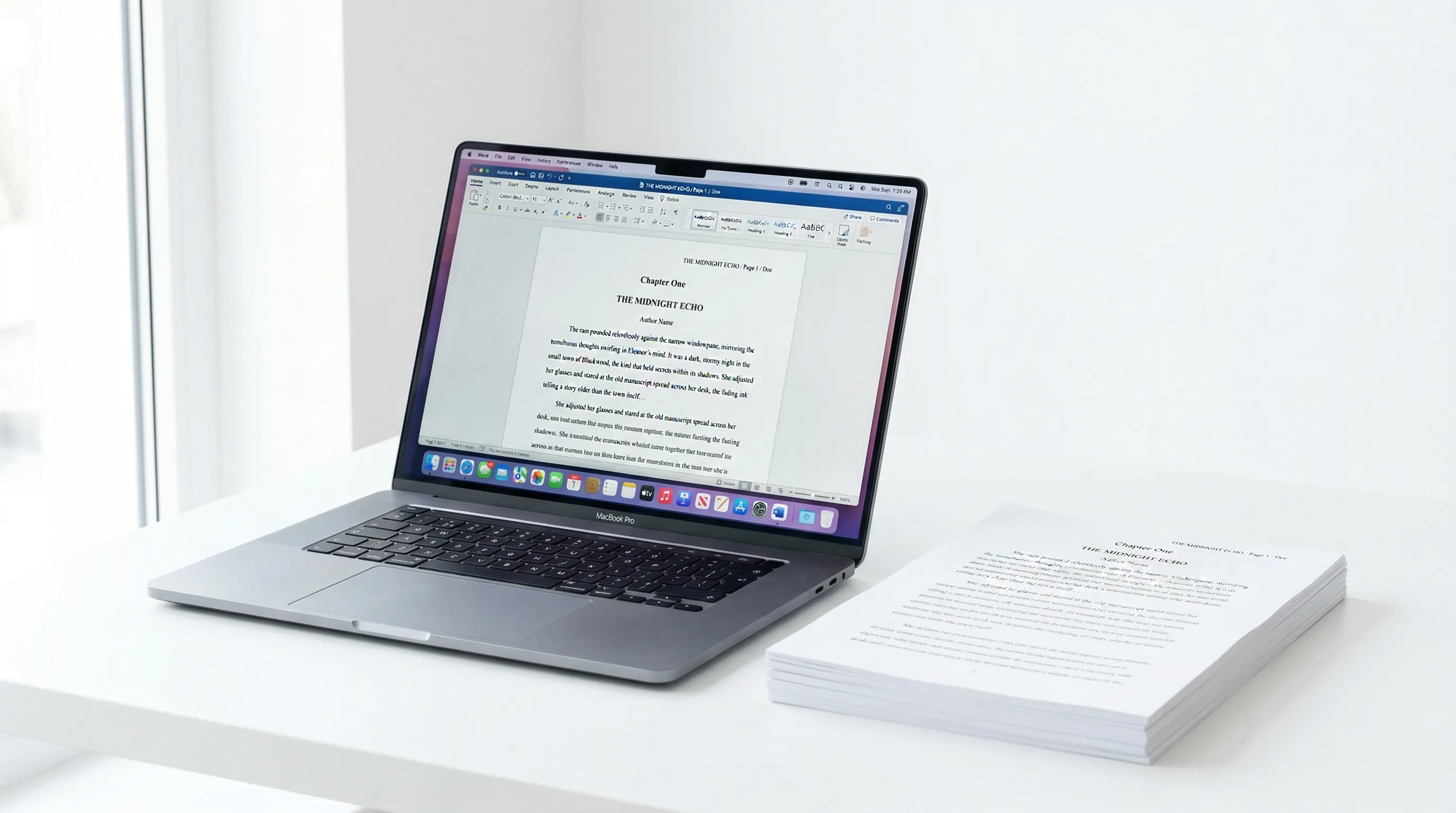
Something like this, right-aligned:
Suranyi / MANUSCRIPT TITLE / 1Some writers put name and title on the left, page number on the right. Either works. The point is that if your printed manuscript hits the floor, every page can be identified and put back in order.
Page Numbering
Title Page
Your title page needs:
- Upper left corner: Your legal name, address, phone, email. If you have an agent, their contact info goes here instead.
- Upper right corner: Word count, rounded to the nearest thousand (e.g., "85,000 words").
- Center of the page: Title in all caps or title case, then "by" and your name as you want it published.
- Below the title: Genre (fiction) or category (nonfiction).
The contact block is single-spaced. Everything else follows the same font and margin rules.
Scene Breaks and Section Breaks
Use a centered hash mark (#) or three asterisks (* * *) to mark a scene or section break within a chapter. Don't just leave a blank line — blank lines get lost during typesetting and file conversion, so your intentional break ends up looking like a regular paragraph gap.
Chapter Headings
Start each chapter about one-third of the way down the page (roughly 4-6 blank double-spaced lines from the top). Center the heading. "Chapter One" or "Chapter 1" or just "1" — pick a style and stick with it.
Fiction vs. Nonfiction Manuscript Format
The core specs above apply to both. The differences are about structure.
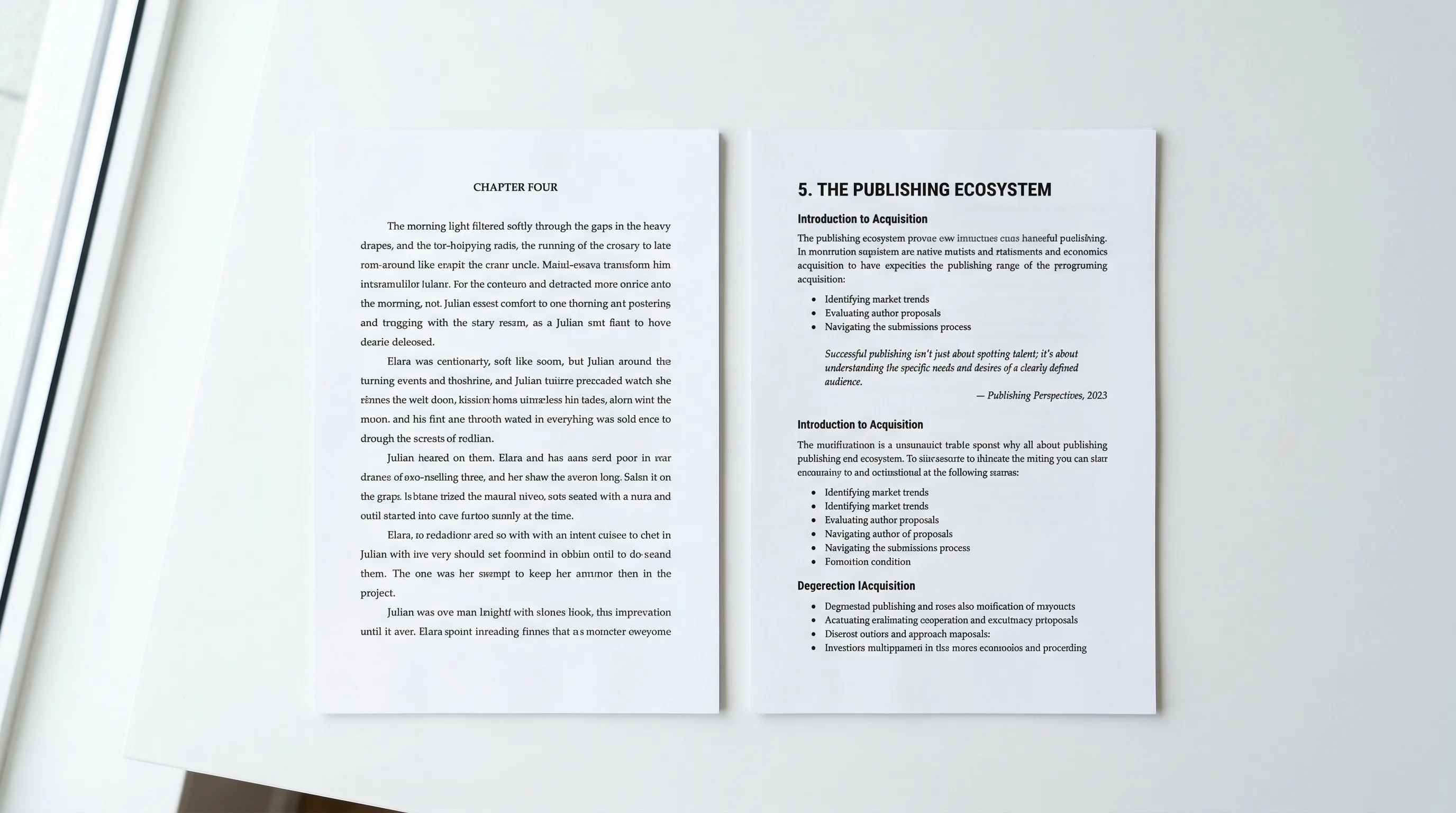
Fiction Manuscript Format
Fiction follows standard manuscript format almost exactly as described above. A few things specific to fiction:
- Scene breaks get a centered # or * * * on their own line.
- Dialogue follows normal paragraph rules — new speaker, new paragraph, first-line indent.
- Chapter openings are simple: "Chapter One" or "Chapter 1" centered, sometimes with a chapter title.
- No subheadings within chapters. Fiction chapters are continuous prose broken only by scene breaks.
- Word count on the title page matters a lot. Agents want to see it right away to judge if the length is marketable (80,000-100,000 for most adult fiction, 60,000-80,000 for YA).
Nonfiction Manuscript Format
Nonfiction shares the same base formatting but adds structural elements:
- Subheadings (H2, H3) are expected within chapters. Bold and left-align them, or follow the publisher's style sheet.
- Block quotes get an extra 0.5-inch indent from the left margin. Still double-spaced.
- Bulleted and numbered lists are fine and common. Indent them consistently.
- Footnotes or endnotes depend on the publisher. Academic presses usually want endnotes. Trade nonfiction publishers often prefer footnotes. Ask before you format.
- Tables and figures should be referenced in the text ("See Table 3.1") and placed close to the reference. Keep the formatting simple — save the polished design for typesetting.
- Bibliography or references go at the end, formatted per the publisher's preferred style guide (Chicago, APA, etc.).
- The proposal often matters more than the full manuscript. Most nonfiction is sold on a proposal plus two or three sample chapters. The proposal has its own format — that's a separate topic.
Submission Format vs. Self-Publishing Format
Submission Manuscript Format
Submission format is meant to be read, evaluated, and marked up. It's a working document, not a finished product. You want:
- Double spacing
- Wide margins
- Plain font
- No design elements
- No headers or footers beyond name/title/page number
- .docx file format (unless told otherwise)
Your manuscript should look boring. That's correct.
Self-Publishing Format (Print)
When you self-publish, your manuscript needs to become a finished book. The formatting changes a lot:
- Single spacing (or 1.15-1.2 line spacing) with appropriate leading.
- Trim-size-appropriate margins. A 6x9 book needs different margins than a 5.5x8.5 book. Inner margins (gutter) need to account for binding — usually 0.75-1 inch, with outer margins of 0.5-0.75 inches.
- Justified text with hyphenation turned on for a polished look.
- Professional fonts. Now you're designing a reading experience. Garamond, Minion Pro, Palatino, or Caslon are solid picks for body text. Chapter headings can use a complementary display font.
- Running headers with the book title on left pages and the chapter title on right pages (or author name on left, book title on right).
- Front matter in order: half title, title page, copyright page, dedication, table of contents, foreword, preface, acknowledgments (some of these can go in back matter).
- Chapter opening pages start on right-hand pages with a drop cap or decorated initial and the chapter title styled to match the book's interior design.
This kind of formatting is closer to graphic design than writing. For more detail, see our [book typesetting guide] and [book layout guide].
Self-Publishing Format (Digital)
Ebook formatting is its own thing entirely. That's next.
Common Manuscript Format Mistakes
Agents and editors bring these up constantly — in interviews, blog posts, and at conferences. Avoid all of them.
1. Using Tabs Instead of Paragraph Indents
Hitting Tab to indent paragraphs is the most common formatting mistake out there. Tabs create inconsistent indentation across devices and blow up when converting to ebook formats. Set your first-line indent in paragraph formatting settings — 0.5 inches, applied as a style. Never a manual tab.
2. Adding Extra Line Spaces Between Paragraphs
If you have blank lines between every paragraph, you've formatted a blog post, not a book. Standard manuscript format uses first-line indentation to signal new paragraphs, not vertical space. Turn off "Add space after paragraph" in your word processor.
3. Single-Spacing or 1.5 Spacing
Double-spaced means double-spaced. Not 1.5, not "close enough." Set line spacing to exactly 2.0. Some word processors default to 1.15 or 1.5 — change it.
4. Fancy Fonts or Multiple Fonts
One font. Times New Roman. 12 point. Done. Don't mix fonts between body text and chapter headings. Don't set entire passages in italic fonts (use italic formatting within your regular font). Don't use colored text.
5. Justified Text in a Submission Manuscript
Justified alignment is for finished books, not submissions. Left-aligned is the standard. Justifying your manuscript makes it look like you're playing dress-up, which actually makes you look less professional.
6. Incorrect Word Count
Round to the nearest thousand. If your manuscript is 87,342 words, the title page says "87,000 words." Don't use the exact count — the false precision shows you don't know the convention. And never estimate word count from page count. The 250-words-per-page rule only works with proper manuscript formatting.
7. Forgetting Scene Break Markers
A blank line between paragraphs could be a scene break or a formatting glitch. Without a # or * * * marker, your editor has to guess. Always mark scene breaks explicitly.
8. PDF Submission When .docx Is Expected
Unless submission guidelines specifically say PDF, send a .docx file. Agents and editors need to add comments, track changes, and make notes. PDFs lock them out. Read the submission guidelines. Follow them exactly.
Digital Manuscript Format for Ebooks and Kindle
Formatting for ebooks is a totally different process from print formatting. Ebooks are reflowable — the reader controls the font size, font choice, and screen size. Your formatting needs to survive all of that.
Ebook Formatting Basics
- No fixed page sizes. Your "pages" don't exist. Content reflows to fit whatever screen the reader has.
- Relative sizing, not absolute. Font sizes should be set with percentages or ems in CSS, not fixed point sizes.
- No headers or footers. E-readers handle their own progress indicators and page numbers. Don't include yours.
- Keep it simple. Bold, italic, and standard paragraph formatting will survive conversion. Fancy layouts, columns, text boxes, and positioned images probably won't.
- Semantic structure. Proper heading hierarchy (H1 for chapter titles, H2 for subheadings) lets the e-reader auto-generate a table of contents and handle navigation.
- Image handling. Images must be embedded, not linked. Use JPEG or PNG at 72-150 DPI. Keep file sizes reasonable — most distributors have file size limits that affect delivery costs.
EPUB Format
EPUB is the standard ebook format for Apple Books, Kobo, Barnes & Noble, Google Play Books, and most other retailers. Under the hood, it's a package of HTML and CSS files. If you know basic web tech, you can build an EPUB by hand. If not, you need a conversion tool.
Key EPUB requirements:
- Valid XHTML content files
- A properly structured OPF (Open Packaging Format) file
- NCX navigation for EPUB 2 or nav document for EPUB 3
- Embedded fonts with proper licensing
- A cover image at minimum 1600x2560 pixels
Kindle (KDP) Format
Amazon uses its own formats (KF8/AZW3, based on EPUB 3 with Amazon's extensions). When publishing through Kindle Direct Publishing, you can upload:
- A .docx file (Amazon converts it)
- An EPUB file (Amazon converts it)
- A KPF file (made with Kindle Create)
- An HTML file
For the best results, upload a clean EPUB. Amazon's .docx conversion gets unreliable with anything beyond basic formatting. For a detailed walkthrough, see our [KDP formatting guide].
Common Ebook Formatting Pitfalls
- Forced line breaks (Shift+Enter) inside paragraphs create havoc in reflowable text.
- Manual page breaks may not translate. Use "page break before" paragraph settings instead.
- Tab characters flat-out fail in ebooks. Every indent needs to be CSS-based.
- Embedded fonts might not display on all devices. Always define fallback fonts.
- Large images inflate file size and increase Amazon's delivery costs, which eats into your royalty.
For more on this topic, see our [ebook formatting guide].
Quick-Reference Formatting Checklist
Use these tables as a final check before you submit or publish.
Submission Manuscript Format
| Element | Specification |
|---|---|
| Font | Times New Roman, 12pt |
| Margins | 1 inch all sides |
| Line spacing | Double (2.0) |
| Paragraph indent | 0.5 inches (first line, set in styles) |
| Alignment | Left-aligned (ragged right) |
| Title page | Name, contact, word count, title, genre |
| Header | Last Name / TITLE / Page Number |
| Page numbers | Arabic numerals, starting from chapter 1 |
| Scene breaks | Centered # or * * * |
| Chapter start | One-third down the page, centered heading |
| File format | .docx (unless specified otherwise) |
| Spacing between paragraphs | None (no extra space after paragraphs) |
Self-Publishing Print Format
| Element | Specification |
|---|---|
| Font | Garamond, Minion Pro, Palatino, or similar serif |
| Font size | 10-12pt depending on trim size |
| Margins | Varies by trim size; gutter 0.75-1 in |
| Line spacing | Single or 1.15-1.2 with appropriate leading |
| Paragraph indent | 0.2-0.3 inches (smaller than manuscript) |
| Alignment | Justified with hyphenation |
| Headers | Book title / Chapter title (recto/verso) |
| Chapter start | Recto page, styled opening |
| Front matter | Half title, title, copyright, dedication, TOC |
| File format | Print-ready PDF (PDF/X-1a or PDF/X-4) |
Ebook Format
| Element | Specification |
|---|---|
| Base format | EPUB 3 (converts to all platforms) |
| Font sizes | Relative (em or %) |
| Images | JPEG/PNG, 72-150 DPI, embedded |
| Cover | Minimum 1600x2560 px |
| Table of contents | Auto-generated from heading hierarchy |
| Indentation | CSS-based, never tabs |
| Page breaks | Paragraph style settings, not manual breaks |
| File format | .epub (upload to KDP, Apple, Kobo, etc.) |
How to Automate Your Book Formatting
Doing all this by hand is tedious. Doing it three times — once for submission, once for print, once for ebook — is even worse. This is exactly the kind of repetitive, rule-following work that software should handle.
This saves real time if you're publishing across multiple platforms. Reformatting the same manuscript three different ways is hours of work that a formatting tool can do in seconds.
Final Thoughts
Manuscript formatting isn't creative work. It's a set of conventions, and conventions are meant to be followed. The good news: once you learn the specs (or let a tool handle them), you never think about it again. You just focus on the writing.
Quick recap:
- Submission manuscripts: Times New Roman 12pt, 1-inch margins, double-spaced, 0.5-inch first-line indent, left-aligned, .docx format.
- Self-published print books: Professional serif font, trim-appropriate margins, justified text, styled front matter, print-ready PDF.
- Ebooks: EPUB 3, relative sizing, no fixed layout elements, CSS-based formatting, embedded cover image.
Get the format right, and your words get the attention they deserve. Get it wrong, and you've given someone a reason to stop reading before they start.
Tomas Krajnik
“Formatting your manuscript correctly isn't busywork — it's your first impression. Get it right and everything downstream becomes easier.”
Recommended Reading
Book Design: The Complete Guide to Designing a Professional Book
Master book design with this definitive guide to covers, interior layout, and typography. Learn how to design a book that looks professionally published.

Book Layout: The Complete Guide to Professional Page Design
Learn how to create a professional book layout with proper margins, trim sizes, and page design. Covers fiction, nonfiction, workbooks, and more.

Book Typesetting: The Complete Guide to Professional Interior Layout
Learn book typesetting fundamentals — fonts, spacing, margins, and more. Master professional interior layout or let AI handle it for you.